📸Capture Beautiful Flower Photos & Discover the Power of Intentional Editing
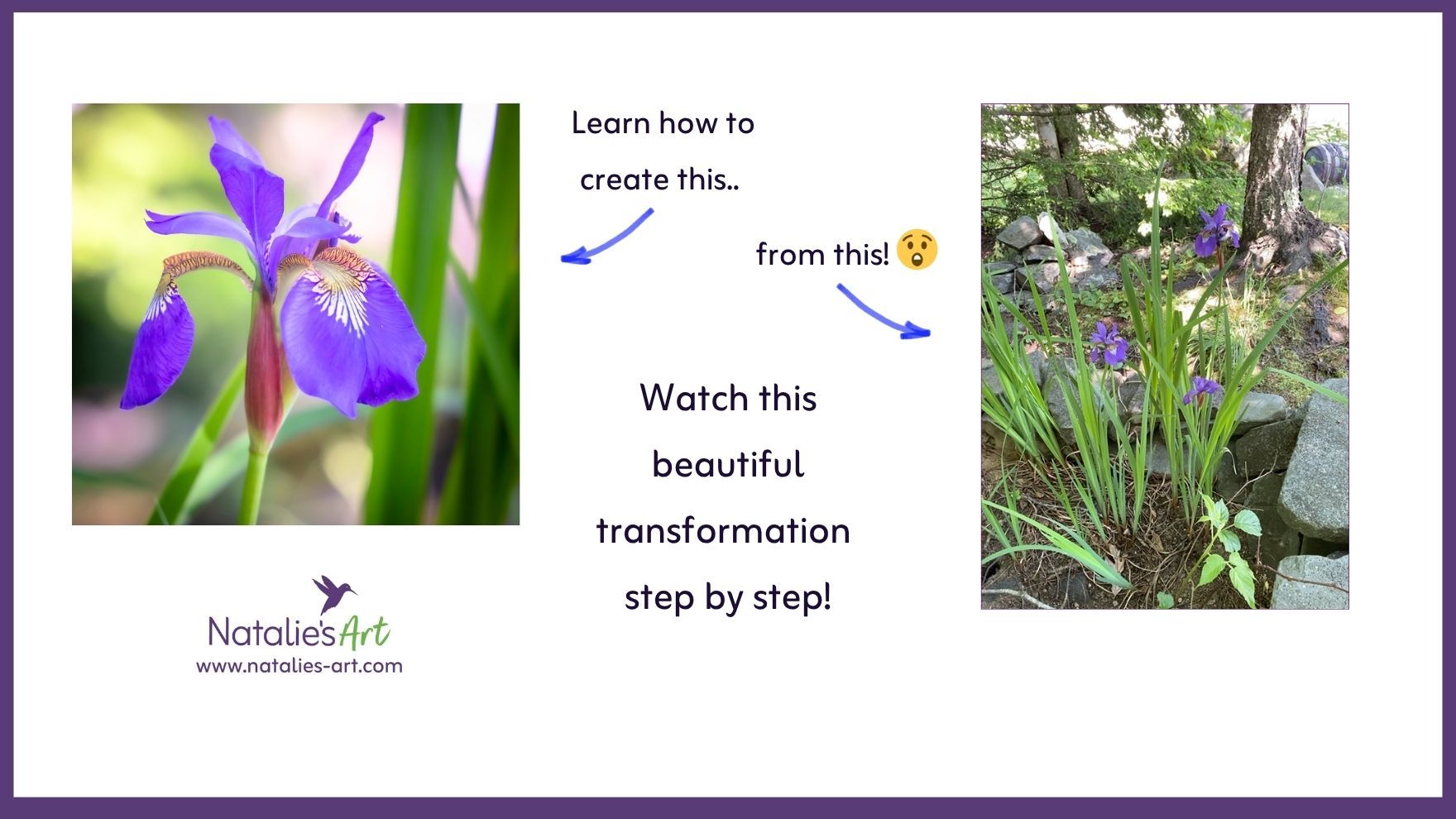
Watch my step-by-step Flower Photography Demonstration and discover how a simple snapshot can transform into a beautiful final image.
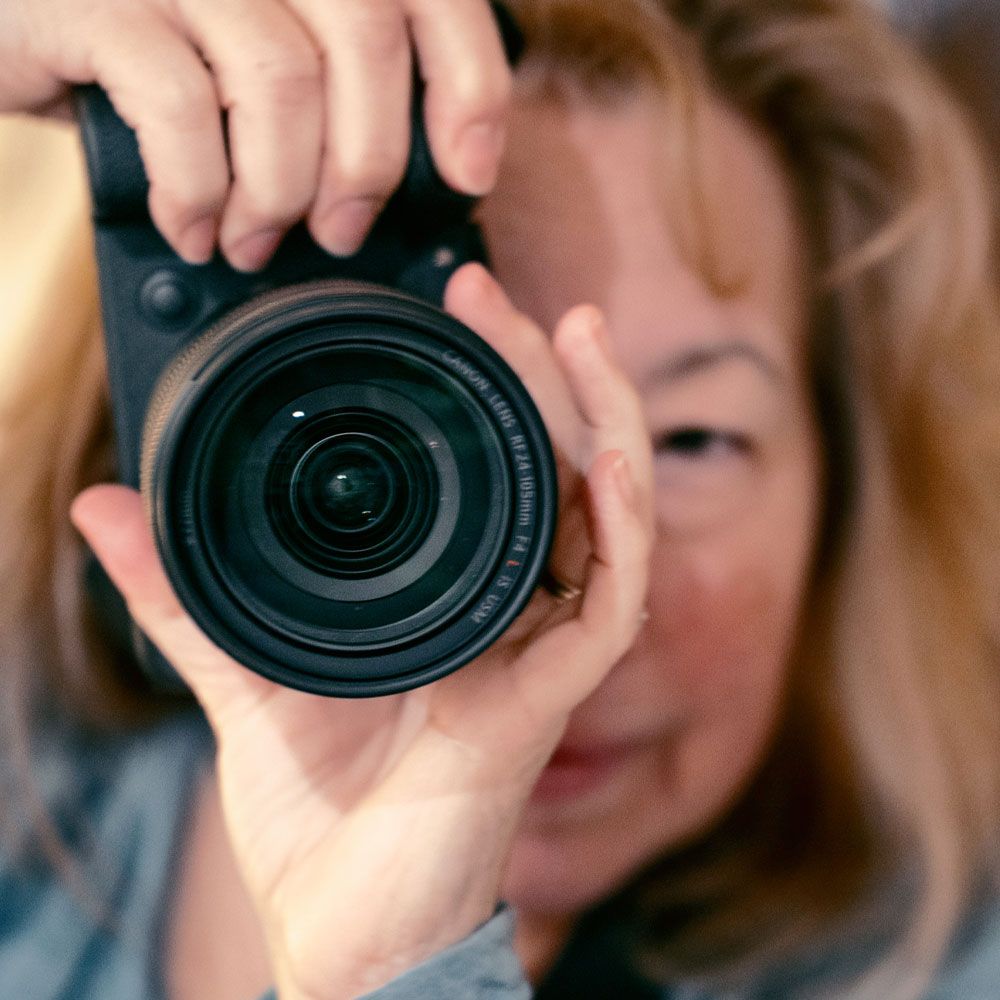
Hello! I’m Natalie Rotman Cote, a nature photographer with 25+ years of experience capturing flowers, landscapes, and the quiet beauty of the outdoors. I’ve taken thousands of flower photos over the years, and one thing I hear all the time is:
“How do you make your flower photos look so rich, vibrant, and alive?”
In this special one-hour demonstration, I’m showing you exactly how - from photographing Blue Iris flowers to selecting the best shot to editing the image step by step.
This is your chance to peek behind the scenes and see my process of creating a frame-worthy flower image.
🌿 Who This Demonstration Is Perfect For?
This photography exploration package was created especially for:
🌼 Flower and nature lovers who want to elevate their images & feel that WOW feeling
📱 Photo takers who want to satisfy their curiosity & see a complete photo session from start to finish
📸 Hobby photographers who want to set-up their own easy & reliable editing workflow
🌱 Anyone wondering: “How does a professional edit photos? And how can I do it too?”
Natalie edits a RAW photo file, but don’t worry, you can use a JPEG file. RAW simply gives you a more editing freedom. Are you wondering 'what is RAW'? Scroll to the FAQ's. 😁
This demo will open your eyes to the possibilities of intentional editing. This is a great way to see the photography process & editing in action! You’ll walk away inspired and motivated to try new things without feeling overwhelmed. It is the perfect “bridge step” between where you are now and where you want your photography to be.


🌸 Why You’ll Love This Demo
This is NOT a tech-heavy tutorial. It’s simple, conversational, and easy to follow. You’ll learn:
✨ How a flower photographer sees a shot
✨ What makes a good image stand out from the rest
✨ How intentional editing can make your photos pop
✨ What Adobe LightroomTM (my favorite editing app) looks like and what it can do
✨ What’s possible for YOUR photography as you grow
And the best part? You can enjoy this demo whether you're shooting RAW or Jpeg (the format your phone uses for photos). The editing applies to both formats.
Don't have Lightroom? No problem. This demo is a great introduction to show you what you can do. But most editing apps have similar features. I prefer Lightroom as I believe it's an easy to use yet robust editor.
Did you know that Adobe has a free mobile version of Lightroom for phones? That's a great way to get started with your editing.
🎥 What’s Inside the Flower Photography Demonstration Package?
Three pre-recorded videos (about one hour total):
1. Photographing the Iris
Watch me photograph irises in real time.
I talk you through composition, angles, light, and the little decisions that make a big difference.
2. Selecting the Best Shot
Learn how I evaluate the images and choose the one I’ll edit. This is the part most beginners struggle with and seeing my thought process will help you confidently choose your own best photos.
3. Editing the image in Lightroom ClassicTM
Follow along as I edit the chosen image step-by-step. Even if you’ve never used Lightroom or a RAW file before, you’ll be fascinated by how small adjustments lead to dramatic improvements. These edits work on jpeg files too! The transformation is just a bit less dramatic.
You’ll come away thinking:
“Wow… I didn’t know my photos could look like that! 😁”
🌼 See the Transformation!
Watch how a simple, thoughtful edits turn an ordinary snapshot into a frame-worthy photo - no fancy gear (though if you have it - use it) or complicated software needed. I guide you through it step-by-step in a clear, beginner-friendly way.
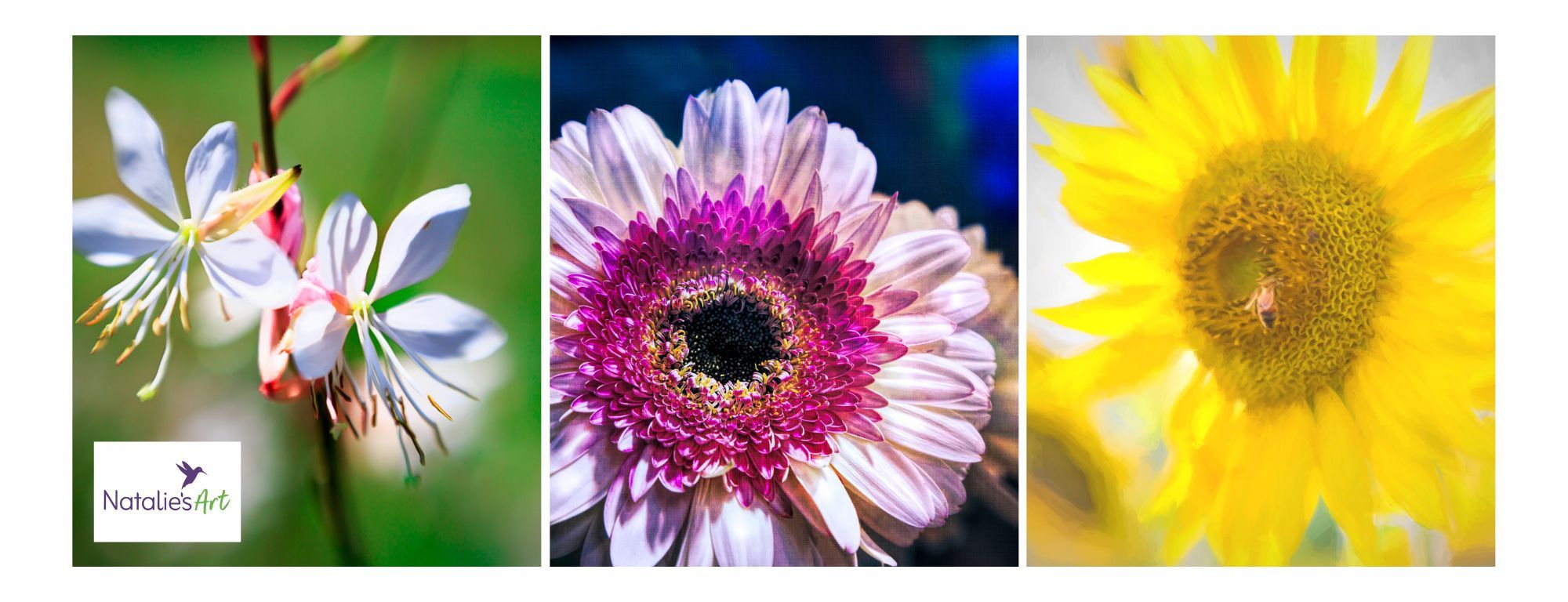
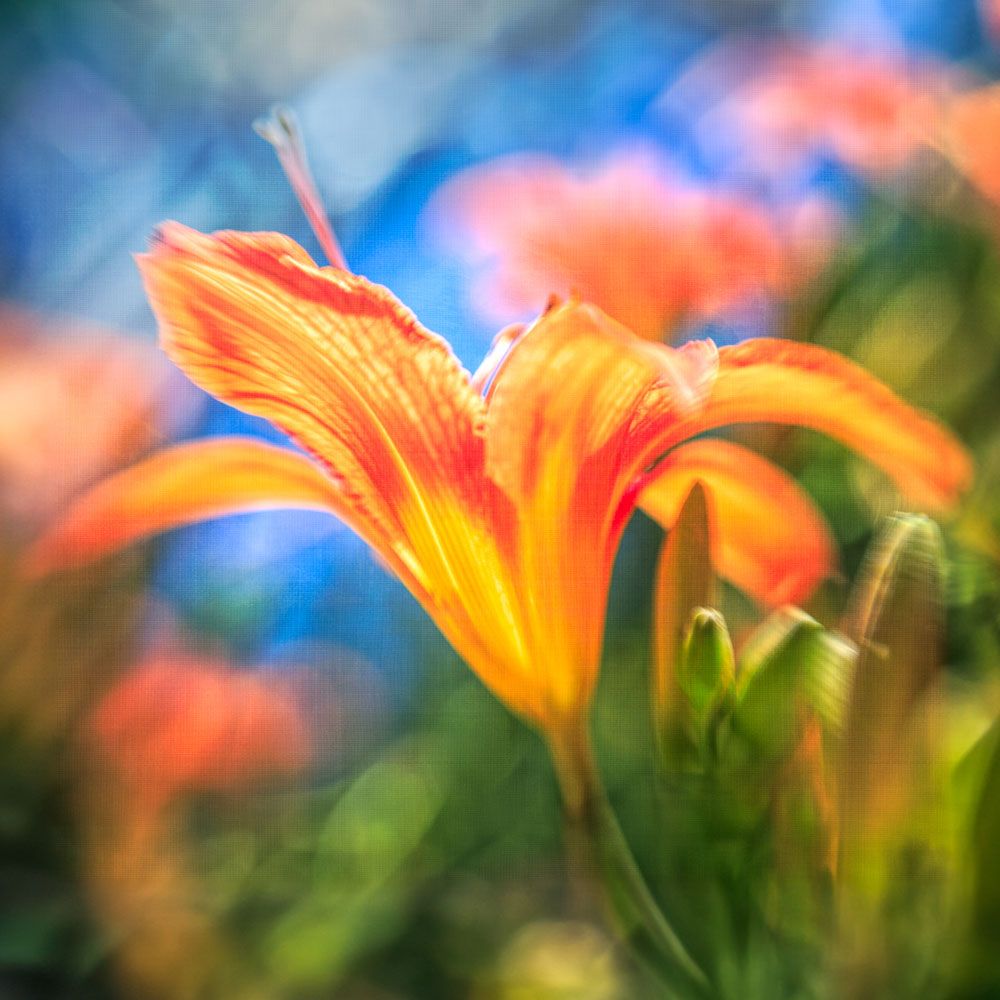
You’ll see how easily you can make your flower photos pop with color, texture, and beauty just like these examples below!


🌺 Here's your Invitation
If you’ve ever looked at a beautiful flower photo and wondered how it came to life, this is your chance to find out.
Let me show you the magic of editing using Lightroom, the joy of selecting the perfect shot, and the beauty you can create with your own good-enough camera.
P.S. Did you know some cell phones can shoot RAW format? Yep. It's true!
Got questions? Check out these FAQ's:
Is this a beginner-friendly demonstration?
Do I need Adobe Lightroom Classic?
Does this help if I’m a phone-only photographer?
Do I need to shoot RAW to benefit from this?
What is RAW anyway?
Do I need a PC to do the editing?
THANK YOU for your interest! I hope you enjoy this photography demo where I share my process for creating great flower images!
Please share this page with friends, family, and co-workers who might be 'raw curious' and interested in watching how to create great flower photos. Getting the word out requires some help, and I would be grateful for your help.
Privacy Policy Terms Of Use